Print at Actual size / 100% with browser headers and footers turned off. Only whole systems that fit are drawn; reduce the system count or spacing if you need more room.
Write a readable melody on treble clef staff paper
Print blank five-line treble staves for a melody, violin exercise or classroom notation task. Change the title, paper size, spacing and system count, then download PDF or SVG. The examples below show where notes belong and how to turn a blank page into a short, readable musical phrase.
- Printed layout
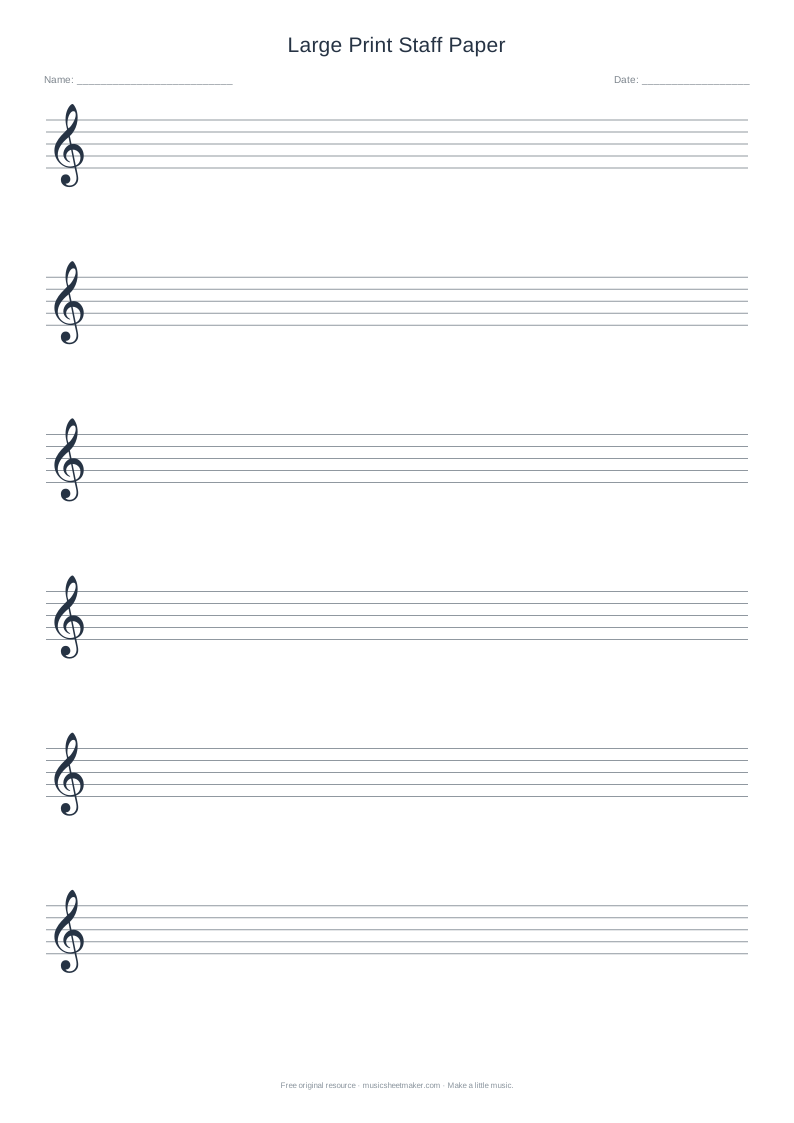
- One five-line treble staff per system
- Starting settings
- 10 systems, Standard spacing, A4
- Pitch reference
- G4 is the second line from the bottom
- Write by hand
- Key, meter, notes, rests and bar lines
Start in three steps
- 01
Choose the writing space
Match A4 or Letter to your printer; use Large spacing for bigger noteheads.
- 02
Export the current preview
Set a title and system count, then choose Download PDF or SVG.
- 03
Test before copying
Print one page at Actual size, with browser headers and footers off.
Know what is already on the page
Each system contains five horizontal lines and a treble clef. The clef establishes G4 on the second line from the bottom. From there, notes alternate between lines and spaces as the musical alphabet repeats. The bottom line is E4, and the lines upward are E, G, B, D and F. These landmarks make the sheet useful for learning as well as composing.
This is blank manuscript paper. It does not decide your key, meter, rhythm or instrumentation. Add a key signature and time signature by hand when your exercise needs them. Leave room after the clef instead of placing the first note against it. A clear opening gives the person reading your work the information needed before the melody starts.
| Level | Line pitch | Space immediately above |
|---|---|---|
| 1 — bottom | E4 | F4 |
| 2 | G4 | A4 |
| 3 | B4 | C5 |
| 4 | D5 | E5 |
| 5 — top | F5 | G5, above the staff |
Quick check: draw G4, A4 and B4 on adjacent positions. The result should be line, space, line, ascending one step at a time.
Try a four-bar melody in C major
Write four bars in C major and 4/4. For bar one, use quarter notes C4, D4, E4 and G4. In bar two, write G4, E4, D4 and C4 as quarters. Repeat C4, E4, G4 and E4 in bar three. Finish with a half-note D4 and half-note C4. Each bar totals four quarter-note beats; the last C provides a clear point of return.
Keep noteheads similar in size and place them precisely on a line or in a space. Middle C sits on a short ledger line below the treble staff. Ledger lines should be only long enough to identify the note; they are not extensions across the page. Sing the draft slowly and check that the rhythm on the paper matches what you intended to hear.
Use the blank space for an active lesson
A teacher can use the first system for a model, the next for a guided attempt and the remaining systems for independent work. Ask learners to draw one note above and one note below a landmark, then name all three. This reveals whether they understand the order of pitches rather than remembering a single mnemonic.
Another exercise is to provide a rhythm orally and ask the learner to notate it on one repeated pitch. Separating rhythm from melody reduces the number of decisions at once. For a composition task, specify a small pitch range and a clear length. A four-bar answer with accurate placement is more useful than a crowded page that the learner cannot explain.
Choose spacing that suits the task
The controls let you change the title, select A4 or US Letter, choose a system count and adjust staff spacing. Standard spacing works for many personal sketches. Large spacing gives more room for an unsteady pencil, fingerings or a teacher’s correction. Compact spacing may suit a confident writer who wants more systems on one page.
The renderer draws only complete systems that fit. If the preview contains fewer systems than requested, reduce the count or choose a smaller spacing. Do not solve a space problem by making the writing tiny. A short exercise with generous room around it is easier to mark, read and revise than a tightly packed page with no margin for an accidental or a correction.
Print the clef and staff at a useful size
Choose the paper size that is actually loaded in the printer. A4 measures 210 × 297 mm, while US Letter measures 8.5 × 11 inches. Download the matching PDF or use Print, then inspect the browser’s preview. Select Actual size or 100% when possible and turn browser headers and footers off so page titles and URLs do not intrude.
Print one test page before making a classroom set. Check the top clef, the lowest staff and the name and date fields. If a printer clips an edge, use its printable-area setting or a modest fit adjustment and inspect the result again. The SVG download is also available when you need a vector image for your own lesson document.
Make your handwritten score easy to follow
Before sharing the page, check the clef, opening signatures, bar totals and final ending. Use note spacing to suggest time: a long note can have more horizontal room than a short one. Place accidentals before their notes and keep stem directions consistent with standard notation. Erase an incorrect mark clearly instead of leaving two possible readings.
For playback or a reusable digital version, enter the melody in the main sheet music editor. The paper itself cannot play, recognise handwriting or convert a photograph into notation. Original templates can be printed and adapted for personal study, lessons and classroom handouts under the site’s terms. That permission does not give you rights to copy someone else’s protected music.
Treble Clef Staff Paper: frequently asked questions
Can I use this for violin, flute or voice?
Yes, when the part you want to write uses treble clef. The page does not enforce an instrument’s range or its written-versus-sounding pitch convention. Choose notes that suit the performer, and use an instrument-specific reference when you need to check transposition or a comfortable range.
Can I remove the clef?
This printable is the treble-clef layout. For an unmarked staff or another clef, use the blank staff paper generator. It offers those layout choices while keeping the same practical paper-size and spacing controls.
Do I need an account to download it?
No. The PDF and SVG options are free and do not require a login or an email address. Your settings are processed in the browser. Keep the downloaded file if you want the same page for a future lesson.